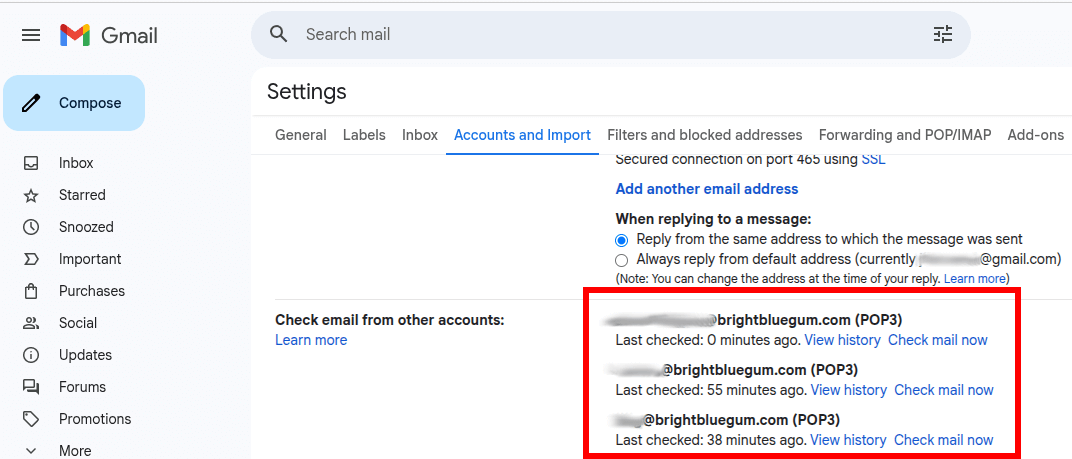
I sometimes see this setup with small business owners: personal and business emails are all centralised in one place, their personal Gmail account. This works whether emails are accessed from the computer’s web browser, the Gmail mobile app or any other Mail app such as Microsoft Outlook.
How does it work? In the web browser, or rather on Google servers, their personal Gmail automatically downloads their business emails.
This is very convenient because all devices are always in sync and it doesn’t cost anything. But this is not going to work any more in 2026.
Google has quietly announced that the “Check mail from other accounts” feature is going to be retired, starting in January 2026. Why? Mainly due to security concerns with the POP3 protocol that has been around since the beginning of the internet.
Am I impacted by Gmail’s end of support for POP3?
To know if you’re affected:
- Open Gmail in your web browser
- Open the full Settings page
- Click the Accounts and Import tab
- If there’s nothing listed next to “Check email from other accounts:” then you can stop here. Otherwise keep reading.

Free alternatives for POP3 in Gmail
If Gmail has already stopped getting your business emails then start straight away with my first and most simple alternative: webmail.
Then if you want to keep all emails centralised in Gmail, set up the next alternative: automatic email forwarding.
Or if prefer to keep your work emails separate then set your business email account in a Mail app on all your devices.
1. Webmail
This is the quickest and easiest way to access your work emails right now.
Your business email account should already be accessible from the web browser. Ask your provider’s technical support for the link and the username/password.
When emails are hosted along with the website, the webmail URL is often mycompany.com.au/webmail
Pros
This should already work out of the box.
Cons:
Personal and business emails are no longer centralised. You will also need to re-create your contacts and your folder structure in webmail.
2. Automatic email forwarding
In 2024-2025 we all thought that email forwarding to external addresses was a thing of the past. Because Yahoo Mail, Gmail and Hotmail/Outlook started filtering mail domains that didn’t have a proper DMARC policy configured.
Now in 2026, this is again a viable solution, at least with Gmail. Even Google recommends forwarding.
And this is the only possible free centralised solution for now. So your personal and professional emails will work as before!
To set up email forwarding, consult your email (or web) hosting company or your web designer. Most providers have the possibility to automatically forward all emails to another email address.
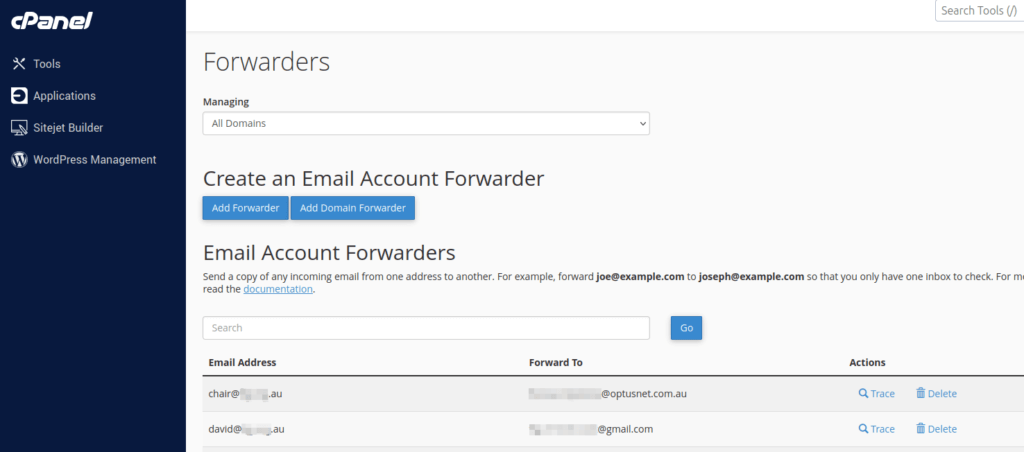
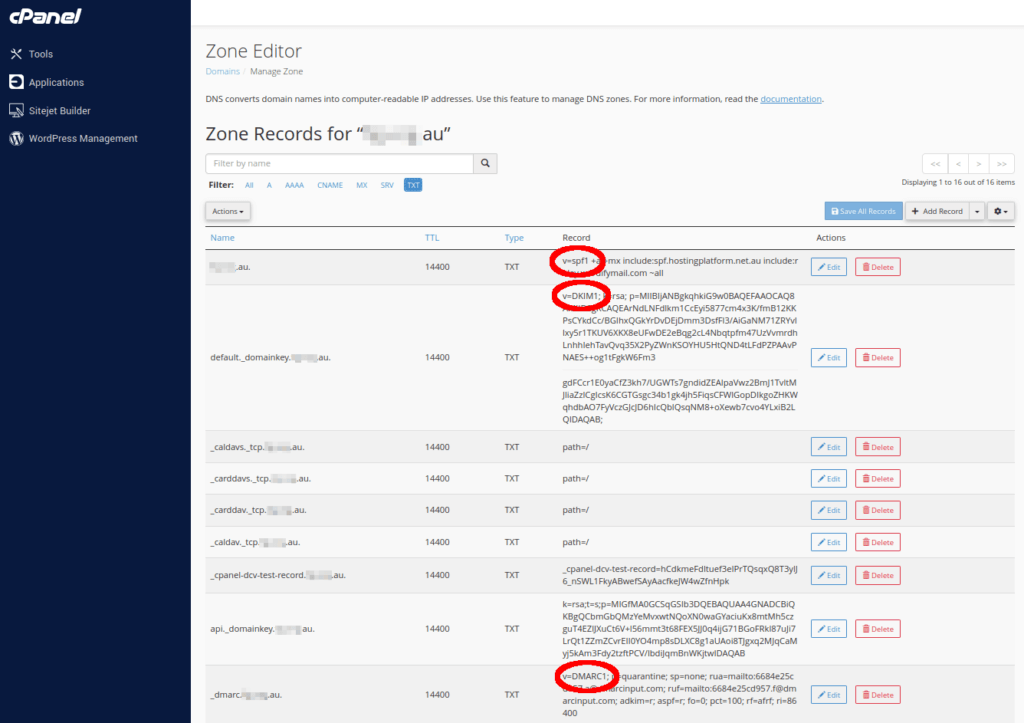
And to avoid that emails get marked as spam, make sure that your SPF, DKIM and DMARC are properly set up in your DNS records.
Pros:
Personal and work emails stay centralised in Gmail like before.
Cons:
This is quite technical to configure and you may need help from your email provider and/or web designer
3. Mail apps
Nearly every mobile device or computer comes with a built-in Mail app, although the quality may vary:
- Android phones (ie not Apple) usually have a native Mail app but I would recommend the Gmail app.
- Windows computers come with the new Outlook app.
- Apple computers, phones and tablets have the built-in Apple Mail app.
- Another free alternative for any computer, including Linux, is Mozilla Thunderbird.
- If you have a Microsoft 365 subscription then you could install Microsoft Outlook on all your devices.
I recommend to use Mail apps if you never use your personal email address for work. Personally, this helps me keep a good work-life balance.
This is also convenient to allow your colleagues to access your work emails.
Pros:
Relatively easy to set up
Cons:
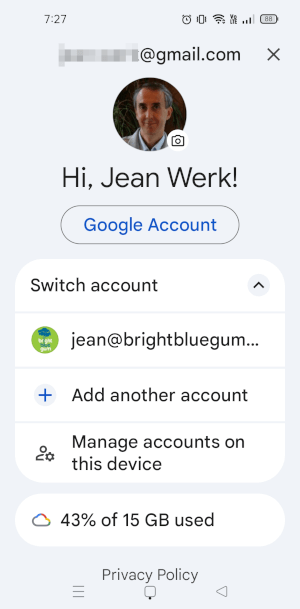
It could be big change. Personal and business emails can be configured in the same Mail app but they are separate. Each of your devices needs to be set up individually.