Does your business or not-for-profit organisation organise events?
If yes then you may want to publish them on your website even if they’re already published on social media or a ticketing platform such as Eventbrite.
You don’t necessarily need to spend money unless you require advanced features such as QR Code scanning. I explain here a few things to consider in order to decide how to display events for free on your WordPress website.
Only a couple of events a year
In case you only run a couple of events in a year, a WordPress events plugin might be an overkill. Simply describe the event(s) on a page or a post on your website.
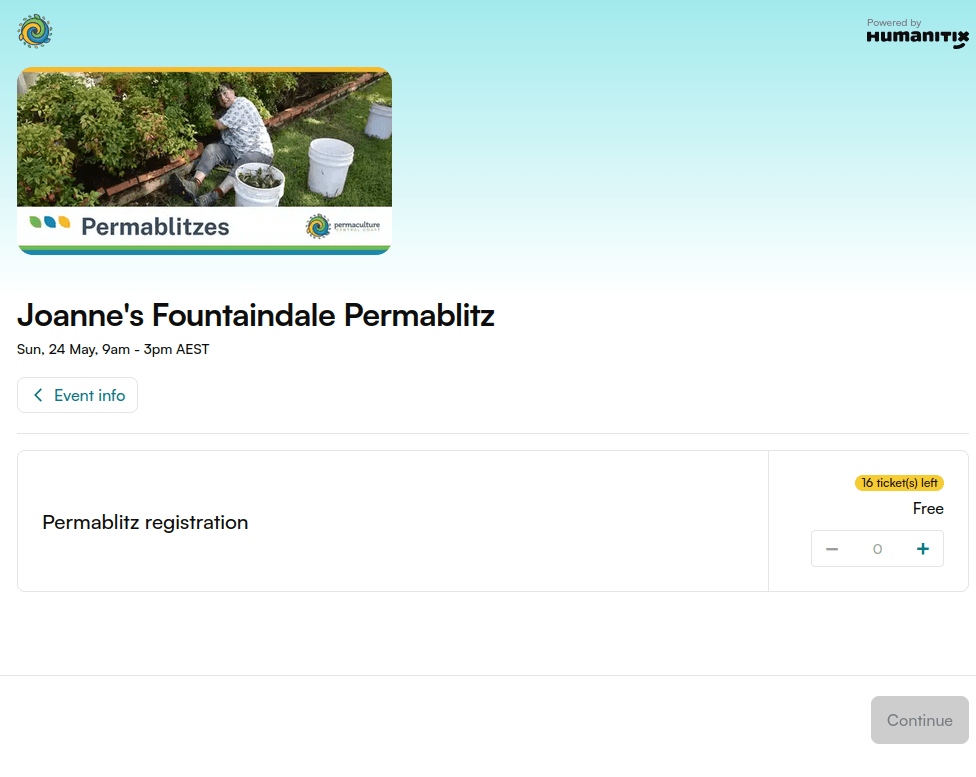
In case your events require free or paid tickets, then publish the event on a 3rd-party ticketing platform such as Eventbrite, Humanitix or Meetup. And link your page/post to the ticketing platform.
Layout
There are different ways to display events:
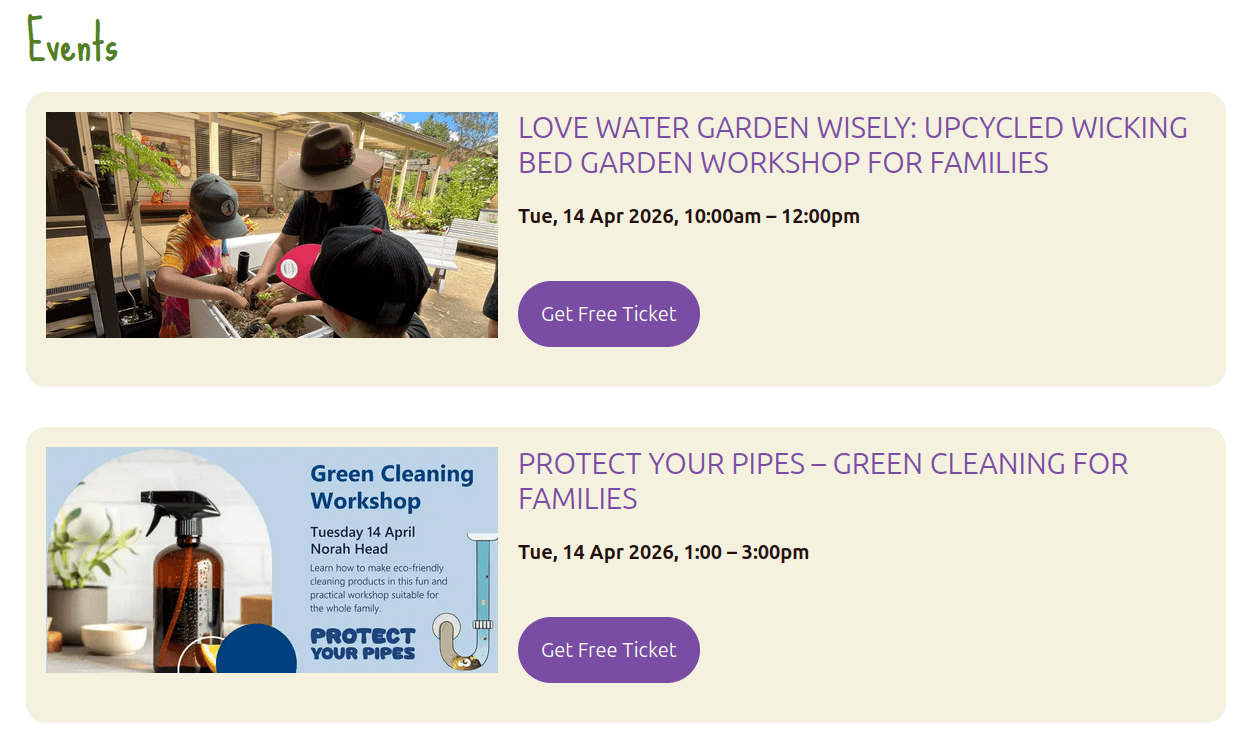
- List: events are listed vertically with as much details as you wish. The image at the beginning of this article shows a list of events on the Synergy Permaculture website.
- Grid or masonry: events display in cards with an image and basic information
- Slider or carousel: like in a grid, events display in cards which manually or automatically move horizontally.
- Calendar: this the classic monthly, weekly or daily view
- Map: events display as pins on a map and also in a card when the user clicks/taps a pin.
Individual page for each event
If you have enough content (text, images) to describe your events, it’s worth creating a separate page/post for each event. Otherwise keep all the events information on a single page.
Because having many web pages with only a few words will waste the search engine crawl budget. This means that Google will waste time reading these short web pages and may skip your more interesting long pages.
WordPress events plugins usually automatically create a page for each event. But you can exclude these pages from search engine indexing with a noindex tag.
All events are already published elsewhere
Do you already have your events listed on social media, eg Facebook Events? Or on a ticketing platform?
If they’re all at the same place, check if there is a way to embed these events into your website.
Some platforms can generate code that you can embed on your website.
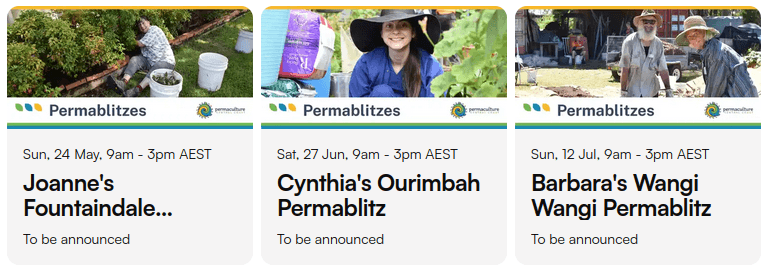
Other platforms such as Meetup require a 3rd-party service to import events.
Recurring events
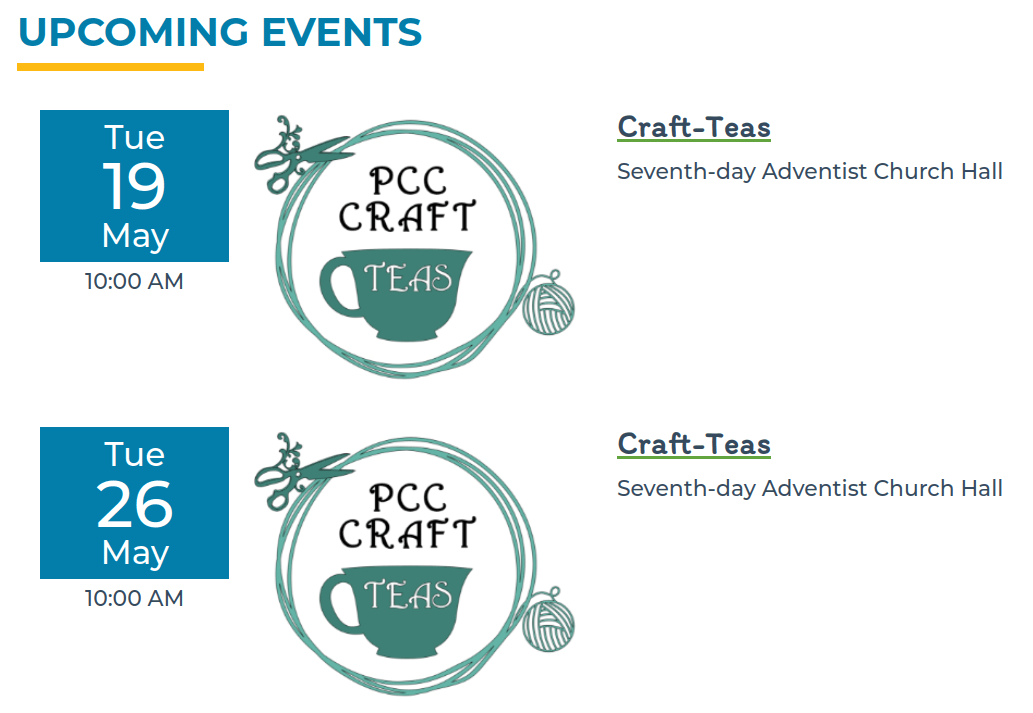
If you have an event on the 3rd Sunday of every month or every Tuesday, you probably don’t want to manually repeat them. So search for a solution that allows recurring events.
On the Permaculture Central Coast website, I use Events Manager because it’s developer-friendly and I can style the event cards the way I want.
Past events
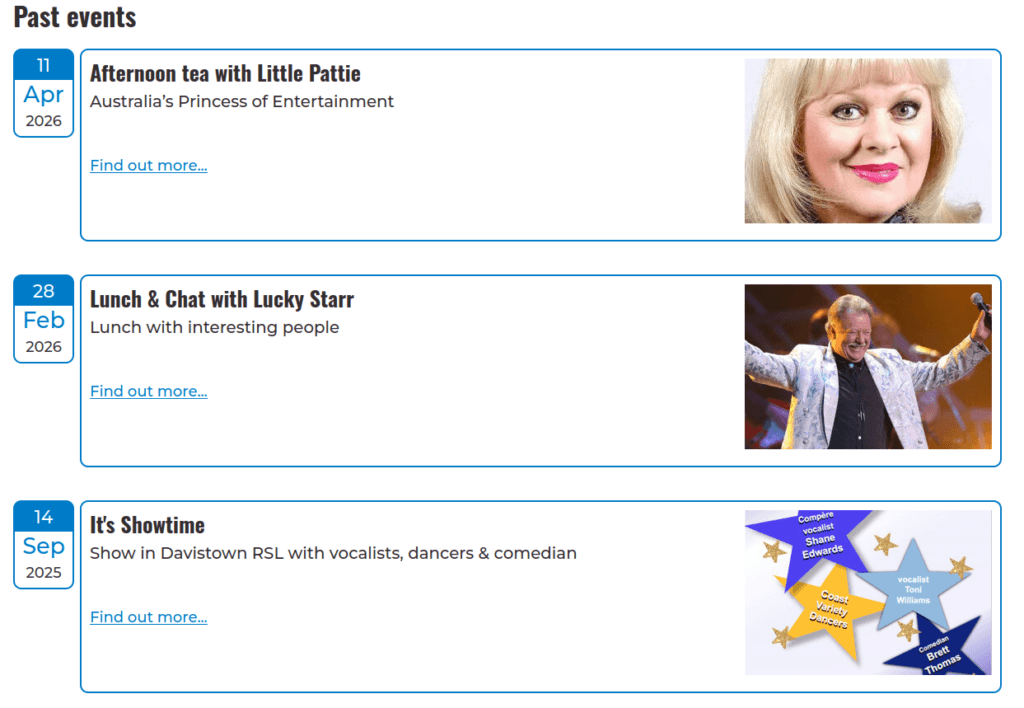
For some organisations, it’s useful to display the history of past events. For example, on the Crestani Scholarships website, I used the Quick Event Manager plugin with a bit of custom CSS code.
Ticket sale
Do participants need to order a free or a paid ticket to join your events?
Ticketing can be complex, especially when things go wrong. I usually recommend to outsource this feature to a 3rd party platform. Humanitix is my favourite because they don’t charge for free events and their fees for ticket sales are reasonable.
SEO (Search Engine Optimisation)
You probably want your events to be easily found in Google, Bing, etc.
Search engines are smart and they may or may not understand that your website has events. Check if you SEO plugin allows you to add Structured Data, especially the Event Schema. Test your single event page on the Rich Text Results tool.
And if your events are listed on a 3rd party platform, I suggest to set the canonical URL to their event page. Because their domain probably has more authority than yours.